
AI Voice Transcription Software for Live Meeting Subtitles
LiveTrans turns a selected meeting audio source into live text on Windows or macOS. Display subtitles, translate supported languages, and export text for human review without adding a meeting bot or changing host settings. Transcription and translation use cloud services over the network — LiveTrans is not an offline tool. Free includes 1 hour per month; Pro is $4.99 per month for 30 hours.
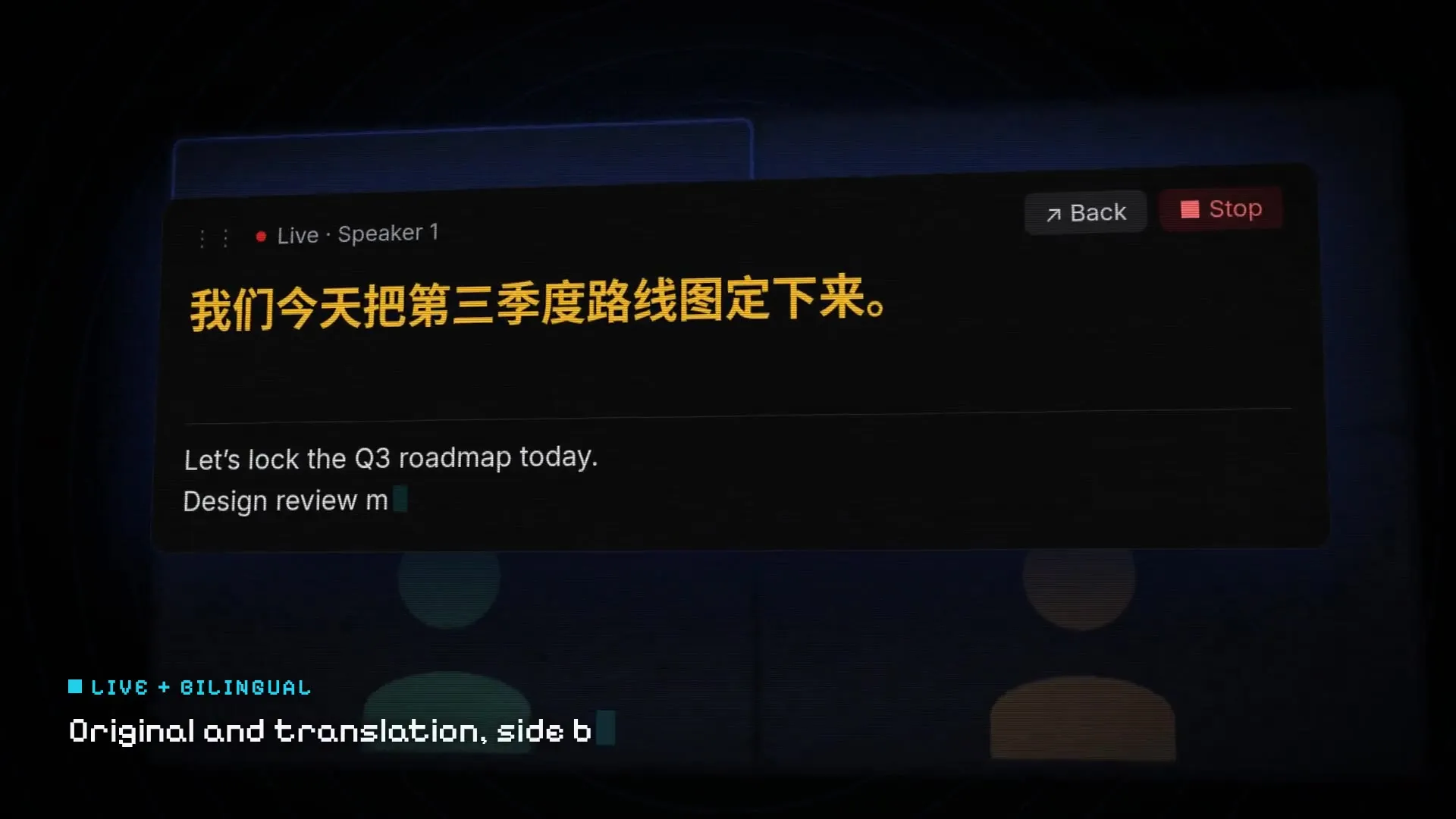
Fictional demo content; no customer, meeting, or account data.
Desktop transcription workflow
What LiveTrans Does During a Meeting
The app focuses on live text that a meeting participant can read and review.
Live Speech-to-Text
Turn a selected audio source into readable text while the meeting is happening.
Participant-Side Subtitles
Keep subtitles visible for yourself without requiring a bot, host permission, or host-side setup.
Supported-Language Translation
Choose supported source and target languages for a cross-language meeting.
Text Export
Export text from the session and review important details before sharing or relying on it.
Windows and macOS Desktop Apps
The current release is available for Windows and Apple Silicon Macs running macOS 13.0 or later.
Current Release
Download the current Windows or macOS release from the official download page.
Speech-to-text in practice
Use Live Text as a Meeting Aid
Designed for the Person Joining the Meeting
Use LiveTrans beside the meeting you already attend. The app does not need to join the call as another participant, and it does not require changes to host-side settings.Follow the Conversation
Read subtitles while the selected meeting audio is playing.
Translate Where Supported
Use a supported source and target language when the meeting crosses a language barrier.
Review Important Details
Audio conditions and speech recognition can affect the text. Check names, quotations, decisions, and terminology.
Start a Live Transcription Session
Download the Desktop App
Choose the Windows installer or the macOS build for an Apple Silicon Mac running macOS 13.0 or later.
Choose Audio and Languages
Select the audio source and supported language workflow for the meeting.
Read, Export, and Review
Follow the live subtitles, export the text you need, and check it after the session.
Related LiveTrans guides
Use these pages when you need a specific meeting setup or language pair rather than a general transcription overview.
AI Voice Transcription Software FAQ
Current product behavior and practical limits
What does LiveTrans transcribe?
LiveTrans uses the audio source you select for the current session and displays the resulting text as live subtitles.
Does LiveTrans require a meeting bot or host permission?
No. It is a participant-side desktop workflow and does not require a bot to join the meeting or changes to host settings.
How accurate is the transcript?
Results vary with the audio and speech in the session. LiveTrans does not publish an accuracy percentage on this page; review important text before using it as a record.
Which languages are supported?
The current source and target language options are shown in the app. Choose from those supported options for the session.
Does transcription run only on the device or work offline?
No. While captions are running, the selected audio is sent to cloud services for transcription and translation, so an internet connection is required. Read the LiveTrans Privacy Policy for current details.
Which computers can run the current release?
The current release is available for Windows and Apple Silicon Macs running macOS 13.0 or later.
What are the Free and Pro limits?
Free includes 1 hour of transcription time per month. Pro is $4.99 per month for 30 hours. See the pricing page for current plan details.
When should I read the meeting subtitle guide instead?
Use the meeting live translation subtitles page for Zoom, Teams, and Google Meet setup steps, built-in caption comparisons, and meeting-specific limits.
Try Live Transcription in a Meeting You Join
Use LiveTrans for participant-side subtitles, supported-language translation, and text export on Windows or macOS. Free 1 hour/month; Pro $4.99 for 30 hours.